
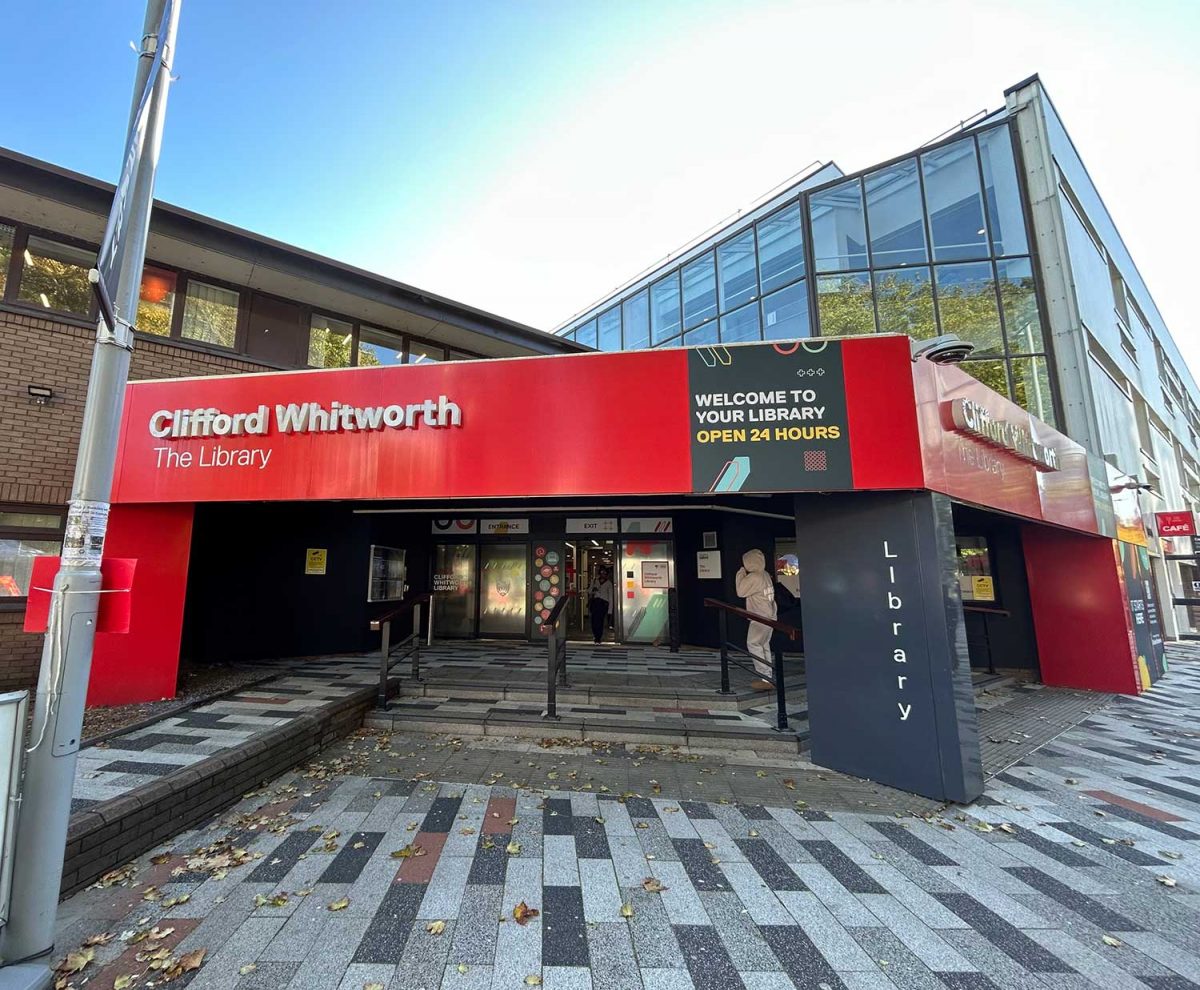
Welcome to the University of Salford Library. This is the ultimate guide to help you access all the services you’ll need in the Library and help you survive your degree! Whether you’re here to study, print, borrow, or just find a quiet corner, we’ve got you covered.
Where to find us
We’ve got four library spaces:
- Clifford Whitworth – Open 24/7. Staffed daily: 8:00 – 21:00. After 17:00 on weekdays and for the entire weekend, you’ll need your student ID to get in.
- Lady Hale – Open Monday – Friday: 9:00 to 19:00 (17:00 – 19:00 is Ground Floor only).
- Allerton Learning Space – Open Monday: 8:00 – 19:30 and Tuesday – Friday: 8:00 – 18:00.
- MediaCity Campus – Open Monday – Saturday: 7:00 – 22:00.
All of our spaces are staffed Monday – Friday: 9:00 – 17:00.
Free travel alert! Show your student ID on the 50 bus for a free ride between the MediaCity campus and the Peel Park campus (Monday – Friday, 5:00 – 21:00).
What’s at Clifford Whitworth?
- Ground Floor: Enquiry Desk, Self-Service Kiosks, Tech Bar, LapSafes (Laptop lockers) and a Parent and Child Study Room.
- First Floor: LapSafes and Refreshment Room with a kitchen.
- Top Floor: Quiet study zone, bookable study rooms.
See the full library map.
What’s at Lady Hale?
- Ground Floor: Study pods and booths.
- First Floor: Kitchen and LapSafes.
- Bookable study rooms.
- Careers Hub.
What’s at Allerton Learning Space?
- First Floor: Enquiry Desk and LapSafes.
- Second Floor: Kitchen.
- PCs and bookable study rooms.
What’s at MediaCity Library?
- Third Floor: Enquiry Desk, LapSafes and PCs.
Need help?
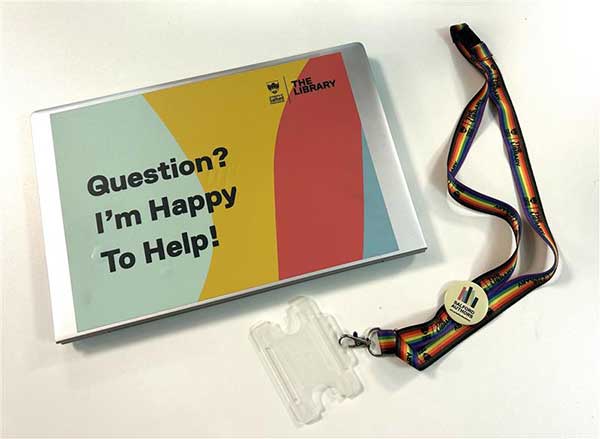
You can spot staff by our lanyards and laptop stickers. You can also visit one of our Enquiry Desks. We can help with:
- General questions – or even just a chat!
- Clifford Whitworth Desk: Collect your 4-week extended loan laptops, locker keys, headphones, and more.
- All Enquiry Desks: Borrow laptop chargers.
Laptops
We offer three different kinds of laptops that students can borrow for free. Most of these laptops can be taken out from the LapSafes. To use a laptop off campus, you must log in on campus first using UoS_Wi-Fi.
- 24 Hour Loan (HP Laptops) – Located on the Ground Floor at Clifford Whitworth.
- 1-Week Loan (MacBooks and HP Laptops) – Located on the First Floor at Clifford Whitworth, the First Floor at Lady Hale, the First Floor at Allerton and the Third Floor at MediaCity.
- 4-Week Loan – Request online, collect at Clifford Whitworth Enquiry Desk.
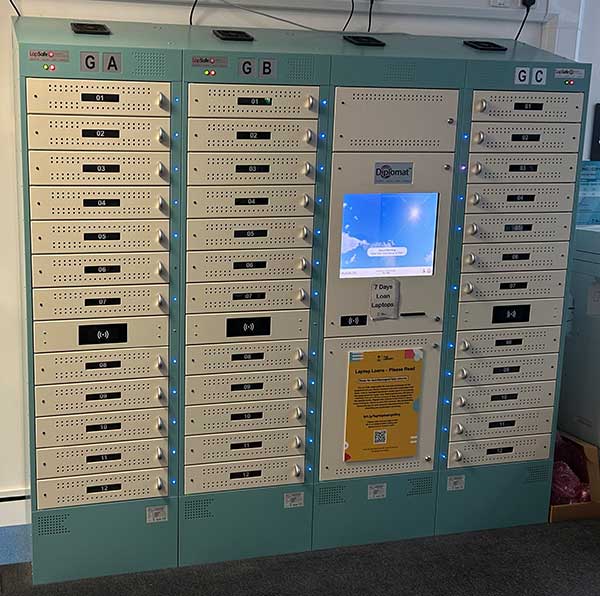
Find out about our Laptops – Request 4-Week Laptops, learn how to use the LapSafe and check laptop availability.
All our library spaces have PCs and printers available to use. All new students get £2 of free credit.
- PDF documents work best when printing.
- Make sure you’re connected to our UoS_Wi-Fi.
- On library PCs: just press print!
- On your own device: sign in at https://myprint.salford.ac.uk/
Check out the print prices and printing guide!
Borrow books
- Borrow books for up to 13 weeks. Staff and Postgraduate Research students can borrow books for up to 52 weeks.
- Use Library Search to find a book’s location, online resources or request books for Click & Collect.
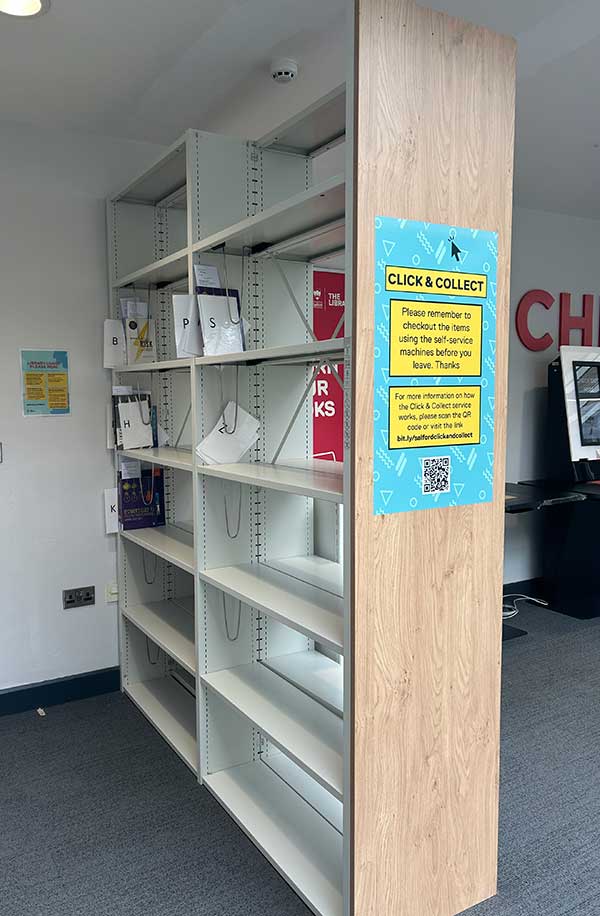
- Can’t find a resource you’re looking for? You can Request it!
- Self-service kiosks are located on the Ground Floor of Clifford Whitworth so you can borrow and return items here anytime.
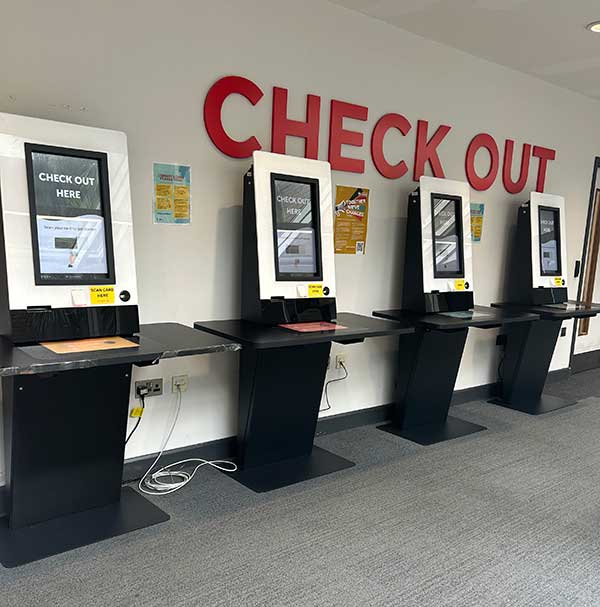
Get more information on borrowing books!
Tech support
The Tech Bar is on the Ground Floor of Clifford Whitworth Library. Staffed Monday – Friday: 9:00 – 16:00.
- Sign in on the iPad, wait for your name on the screen, and get face-to-face help.
- If you require urgent support, please call +44 (0)161 295 2444, Monday – Friday: 8:00 – 17:00.
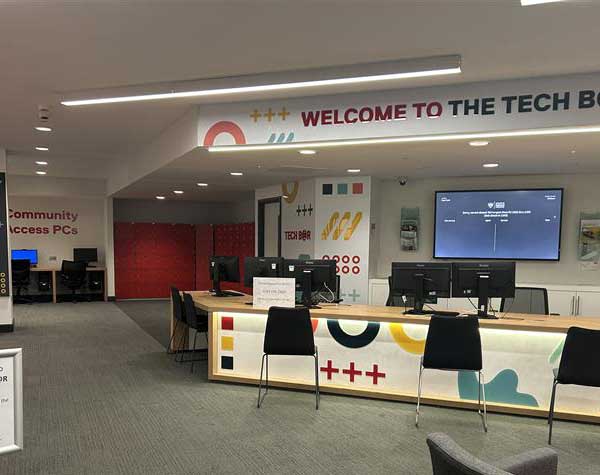
Extras you shouldn’t miss
- Academic skills support including workshops and one to ones on referencing, research, and more.
- Book a space in the Library – Book study rooms for yourself or group projects, book an event or request to film in the library.
- Sign in to your Library account or download our Library App to manage your account, renew books, and see events.
Remember: Library staff are here to help and support your learning journey so please get in touch if you have any questions or concerns.


